
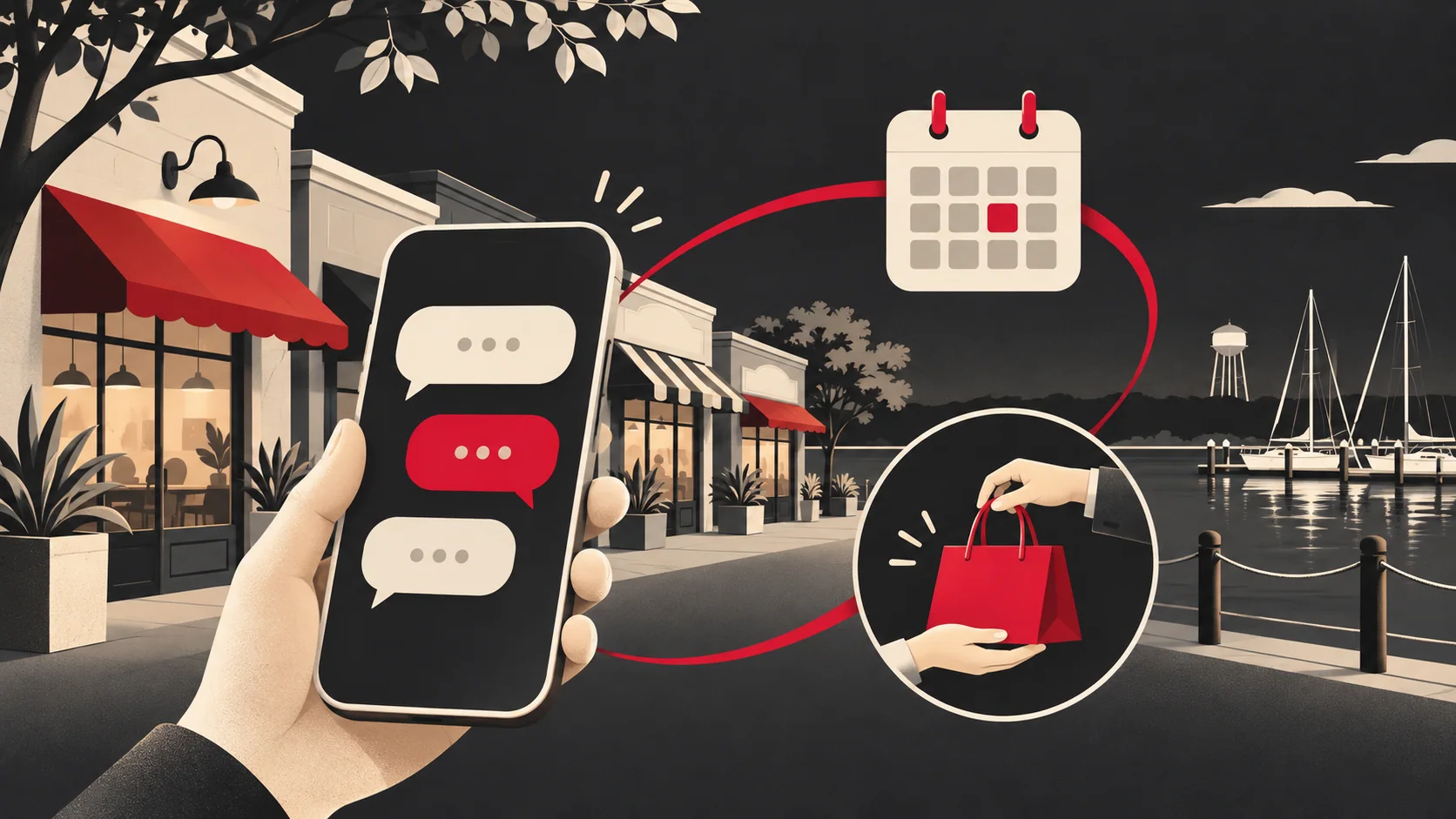
The weeks before the holidays can leave your phone ringing while everyone is already helping someone else. A Webster receptionist is checking in a patient, a Seabrook boat technician is on the water, and a Clear Lake plumber is under a sink. Meanwhile, a new caller hangs up or an estimate sits unanswered.
AI automation for Clear Lake businesses starts with those everyday gaps. You do not need to rebuild your operation before the holiday rush. Pick a repeatable task, give it clear boundaries, and make sure someone owns the replies. These are potential workflows, not examples of results from named local clients. Some use simple triggers and rules; AI is useful only where the task needs language understanding or drafting. Setup times below are rough planning allowances for existing compatible systems, not delivery commitments.
1. Send a text when you miss a call
A missed-call text-back sends a short message after an unanswered call: “Sorry we missed you. What can we help with?” It gives the caller a way to explain what they need without calling again.
That is useful for marinas and boat services around Kemah and Seabrook, where answering immediately may be impractical. It also suits AC repair, plumbing, and roofing teams working across the Clear Lake area.
Setup and the human handoff
If your phone system already supports texting and missed-call triggers, allow an afternoon to write the message, connect the shared inbox, and test it. Moving a number or connecting separate systems can take a few days with help. Prevent repeat messages when someone calls several times, and identify your business clearly.
A person should handle urgent problems, unusual requests, and upset callers. The text should never promise an arrival time your team has not confirmed. Assign someone to watch replies during business hours. For the wider phone workflow, read What a useful AI voice agent needs.
2. Ask for a review after the job
An automatic review request sends a polite message after an appointment or completed job, while the visit is still fresh. Your team finishes the work, marks it complete, and the request goes out without someone remembering another task.
For dental practices and med spas in Webster, the trigger could be a completed visit. For a home service business, it could be a closed work order. Keep the message brief and make leaving a review optional.
Setup and the human handoff
Allow an afternoon if completed appointments already appear reliably in your system. Plan a few days with help if staff record completion in different places. Choose the timing, add your review link, and check that canceled visits and duplicate records do not trigger requests.
Send the same neutral invitation consistently, without filtering for customers you expect to be happy. Google’s review policy prohibits incentives and selectively soliciting positive reviews. A staff member should handle complaints and write responses that need care. Automation can send the invitation; it should not argue with a reviewer or invent an account of what happened.
3. Remind people about appointments
Appointment reminders tell customers when they are expected and how to confirm or request a change. They can help prevent forgotten visits and give your team earlier notice when someone cannot attend.
A Webster dental practice might include the appointment time and a way to contact reception. A League City restaurant taking holiday group reservations could remind the organizer to confirm the party size.
Setup and the human handoff
With one well-maintained booking calendar, an afternoon may be enough to set the timing and message. Multiple calendars or complicated appointment types may need a few days with help. Test rescheduled and canceled bookings so old reminders stop. Include only the details customers need. Use approved communication channels, respect contact preferences and keep sensitive clinical details out of routine reminders.
Keep difficult rescheduling, special accommodations, and exceptions with your staff. If a reply says “I need to change this,” it needs a clear route to someone who can help. Do not let an automated acknowledgment look like confirmation of a new appointment.
4. Follow up on quotes that went quiet
Quote follow-up sends a short check-in after an estimate has been sent and no decision has been recorded. It brings the conversation back to the customer’s attention without asking your team to track every unanswered email manually.
For a Clear Lake roofing contractor or Kemah boat service, the message can ask whether the customer has questions or wants to discuss the next step. Avoid assuming silence means rejection.
Setup and the human handoff
Plan an afternoon if your quoting tool tracks sent, accepted, and declined estimates. Connecting quotes to a separate contact system may take a few days with help. Choose a modest follow-up schedule and stop messages when someone replies, accepts, declines, or asks you to stop.
People should handle price discussions, scope changes, and promises about availability. An old estimate may need a fresh look before work can be booked. The principles in Designing human oversight into automation apply here: give staff a clear point to take over.
5. Put routine website questions in a chat
A website chat can answer questions about hours, location, and how to book, even after your team goes home. Someone planning a League City restaurant visit or looking for a Webster appointment can find the next step without waiting for a reply.
Keep its job small. Approved answers and a working booking link are more useful than a chat that guesses about every service you offer.
Setup and the human handoff
Allow a few days with help to gather accurate information, install the chat, and test common questions. Check holiday hours, booking links, and the contact route for unanswered questions. Give someone responsibility for updating those details.
The chat should pass complicated bookings, complaints, and questions outside its approved information to a person. When nobody is available, it should explain how the customer can leave a message and when your team normally responds.
Where to start
Pick the most clearly documented problem first. Look at recent call logs, booking records, or unanswered quotes and choose the problem your team keeps chasing. How to choose your first AI automation can help you narrow that choice.
Before switching it on, run through a normal request, a cancellation, and an unhappy customer’s reply. Confirm who gets each message and how they take over. Then watch the first week of conversations and adjust anything confusing.
One dependable workflow can give your staff breathing room before the holidays and remain useful throughout the year.
Take the free AI opportunity assessment for a preliminary starting point, or discuss your workflow with GGTAMOL.
Questions business owners ask
Do these five workflows all require AI?
No. Reminders, text-back rules and scheduled follow-ups often work with ordinary automation. AI can help interpret varied enquiries or draft responses, but it still needs approved information and a human handoff.
Which task should a Clear Lake business automate first?
Choose the repeatable task that is creating the clearest problem in your own records. Compare missed calls, overdue quotes and booking changes, then test one workflow before adding another.
How do I know whether the setup worked?
Record the current missed-call or follow-up pattern first. Review the same measure after the test, along with incorrect messages, duplicate sends and the staff time needed to supervise it.