
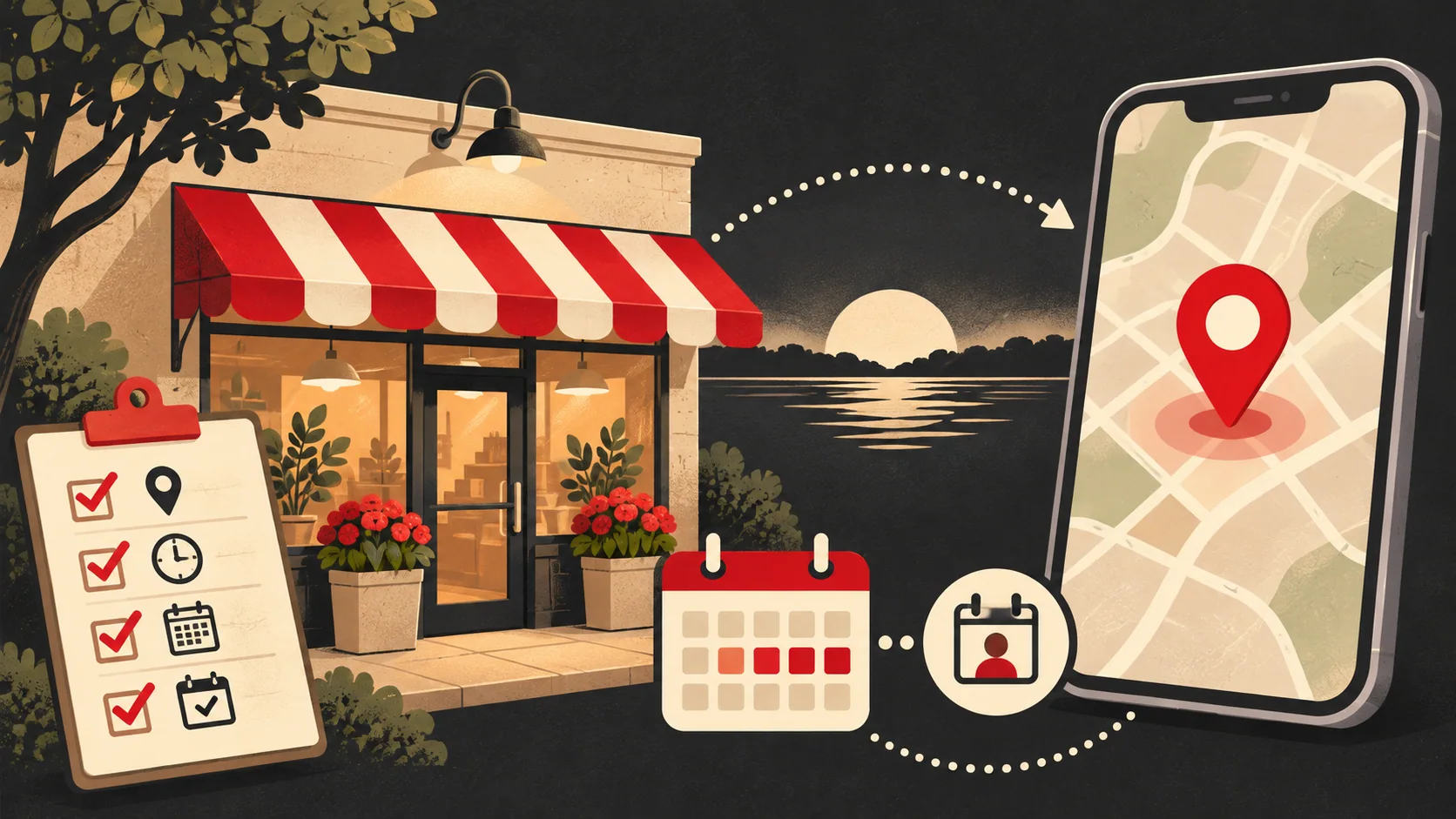
Picture a customer searching “near me” between errands. They find your business, check whether you are open, and look for a way to call or book. Before choosing you, they need a few basic answers: Are you available? Do you offer what they need? Do you serve their location?
For businesses in Clear Lake, Webster, League City, Kemah and Seabrook, preparing for those searches starts with checking the information customers see.
This checklist focuses on Clear Lake TX local search for small businesses, with practical steps you can work through before holiday schedules get complicated. Accurate information supports customer decisions but does not guarantee placement in search results. The time estimates are planning allowances, not guarantees. Allow extra time if you need account access, new photos or decisions from your team.
Five checks to make before the holiday rush
1. Set holiday hours, including special days
What to do: Open your Google Business Profile and review your regular hours. Then enter holiday hours for special days, including closures and shorter opening times.
Check the dates with whoever sets staffing. Include any days when the premises are open but appointments, collections or particular services finish earlier. Explain those differences on your website where customers make their decisions.
Time to allow: About 15 to 25 minutes once the schedule is agreed.
What to keep human: A manager should approve the hours against actual staffing and service availability. A reminder can prompt the update, but it cannot decide whether someone will be there to answer the door or phone.
2. Add recent, real photos
What to do: Choose recent photos of your premises, team and work. Show the entrance a first-time visitor should look for, the space they will enter, and examples that accurately represent your services.
You do not need a complicated photo session. Start with a small selection of clear, useful images. Review them for customer information, visible paperwork and anything you do not have permission to share.
Time to allow: About 20 to 40 minutes to take, select and upload a small batch.
What to keep human: Someone who knows the business should select the images and confirm permission to use them. Keep the photos real. An invented interior or example of work gives customers the wrong expectation.
3. Check your service area, phone number and booking link
What to do: Read your profile as if you were a new customer. Confirm that the service area reflects where you actually work. Check every digit of the phone number, then make a test call.
Open the booking link on your phone. Follow it far enough to confirm that it leads to the correct location, service and booking process. Look for confusing steps or an old destination.
Time to allow: About 15 to 20 minutes for a straightforward check.
What to keep human: Your team decides which locations you can serve and which appointments customers can book. Avoid adding areas simply because you would like more enquiries there.
4. Reply to recent reviews
What to do: Read recent reviews and reply where a response is appropriate. Thank the customer, acknowledge what they said, and offer a sensible next step if something needs attention.
AI can draft a reply, but a person reads, approves and sends it. Give the drafting tool only the information it needs, and check that the response makes no promises your team cannot keep.
Time to allow: About 20 to 30 minutes for a small batch, with more time for complaints.
What to keep human: Keep judgment, privacy decisions and complaint handling with a person. Designing human oversight into automation is a useful starting point for deciding where approval belongs.
5. Match your profile to your website
What to do: Compare your Google Business Profile with your website’s contact page, service pages and booking pages. Check hours, phone numbers, services and holiday arrangements.
If you stop offering a service, remove or correct the references customers could still find. If holiday opening times differ, update both places. Ask a colleague to make a final comparison after the edits.
Time to allow: About 20 to 40 minutes for a small website.
What to keep human: One person should own the final version of your business information. Tools can help flag differences, but someone needs to decide which details are correct and approve the changes.
Webster dental and med spa practices: check the appointment journey
For a Webster dental or med spa practice, give the booking link and holiday hours particular attention. Follow the link from your profile and check whether a patient can understand what they are requesting.
Make clear whether the next step is a confirmed appointment, a consultation request or a callback. If the practice has different reception and treatment hours, explain that distinction.
Have a staff member review the journey before publishing changes. Keep clinical questions and decisions about suitability with the appropriate member of the practice team.
League City restaurants: explain holiday group bookings
For a League City restaurant, check what someone planning a holiday meal needs to know before contacting you.
Explain how to enquire about a group booking, who will respond, and whether submitting a request confirms a reservation. Make sure the contact route reaches someone responsible for those enquiries.
Keep decisions about group size, availability and special arrangements with the restaurant team. A form or draft response can collect the basics, while a person checks what the kitchen and front-of-house team can accommodate.
Kemah and Seabrook marinas and home services: plan for missed calls
For marinas and home service businesses in Kemah and Seabrook, make the service area specific enough for customers to judge whether to call. Review any location limits or service restrictions before publishing them.
Then test what happens when nobody answers. Does the caller hear a useful message? Can they leave the details your team needs? Who checks those messages?
If you are considering automated call handling, What a useful AI voice agent needs can help frame the discussion. Keep commitments about availability, arrival times and unusual requests with a person.
Give the checklist an owner
Assign one person to coordinate these checks and set a date to review them before your holiday schedule begins. Keep a short record of what changed and who approved it.
If the same administrative job keeps getting postponed, use How to choose your first AI automation to consider a manageable starting point. A reminder or draft may be enough to help your team keep information current.
Take the free AI opportunity assessment for a preliminary starting point, or discuss your workflow with GGTAMOL.
Questions business owners ask
Will adding nearby city names guarantee local rankings?
No. Use locations that match where you actually operate and provide useful local information. Repeating city names or adding unsupported service areas is not a substitute for an accurate profile and a useful website.
Should I use AI-generated images on my business listing?
Use real photographs when representing your actual premises, team or work. A conceptual illustration can explain an article but should not impersonate a real customer experience or location.
What should I fix first before holiday hours change?
Confirm the approved schedule, update the relevant profile and website, and check the call or booking route on a phone. Keep an owner responsible for later changes.